The driver's job list, on their phone
Drivers see their run, update status as they go, and capture proof of delivery from the truck — so the office isn't chasing paperwork or a phone call at the end of the day. Works offline and is available on iOS and Android.


Job list
A clear run, stop by stop
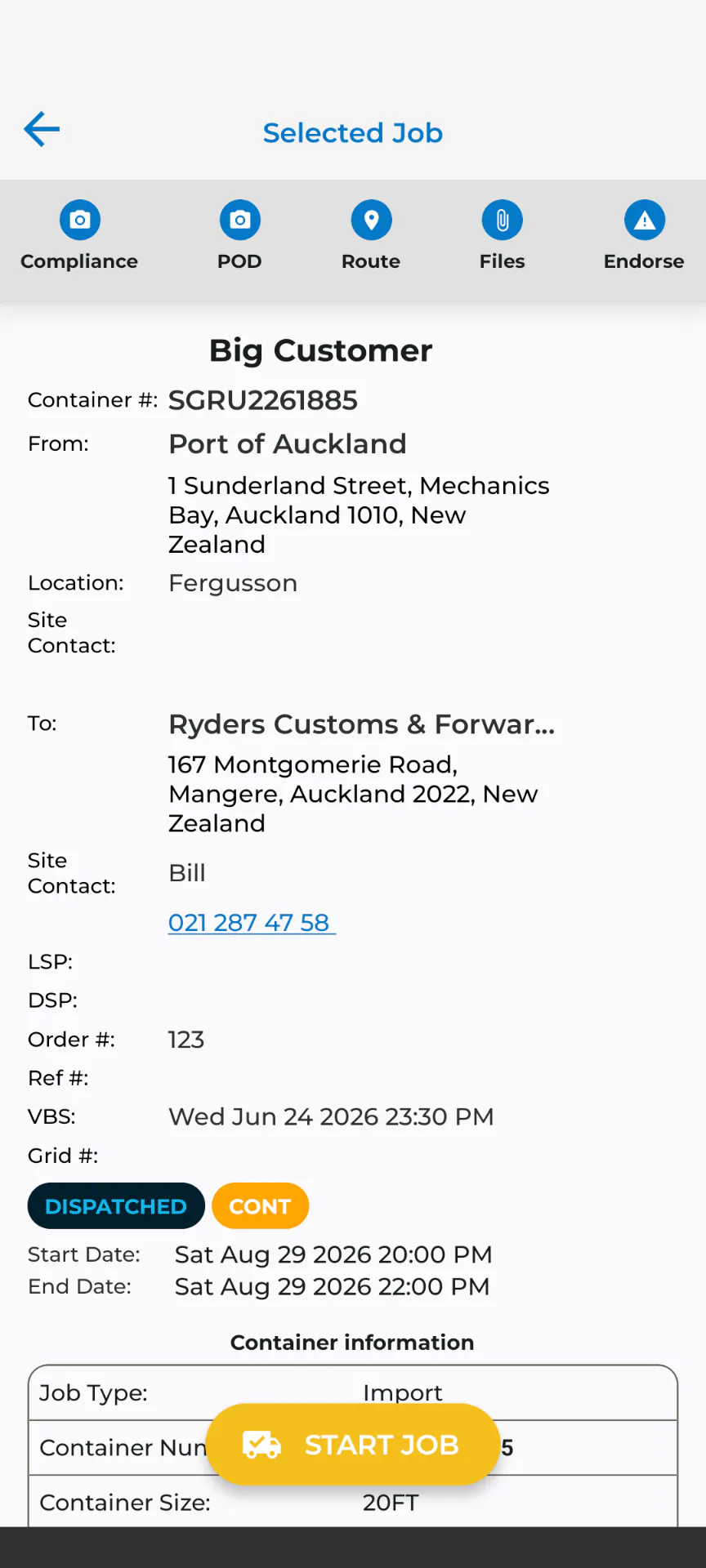
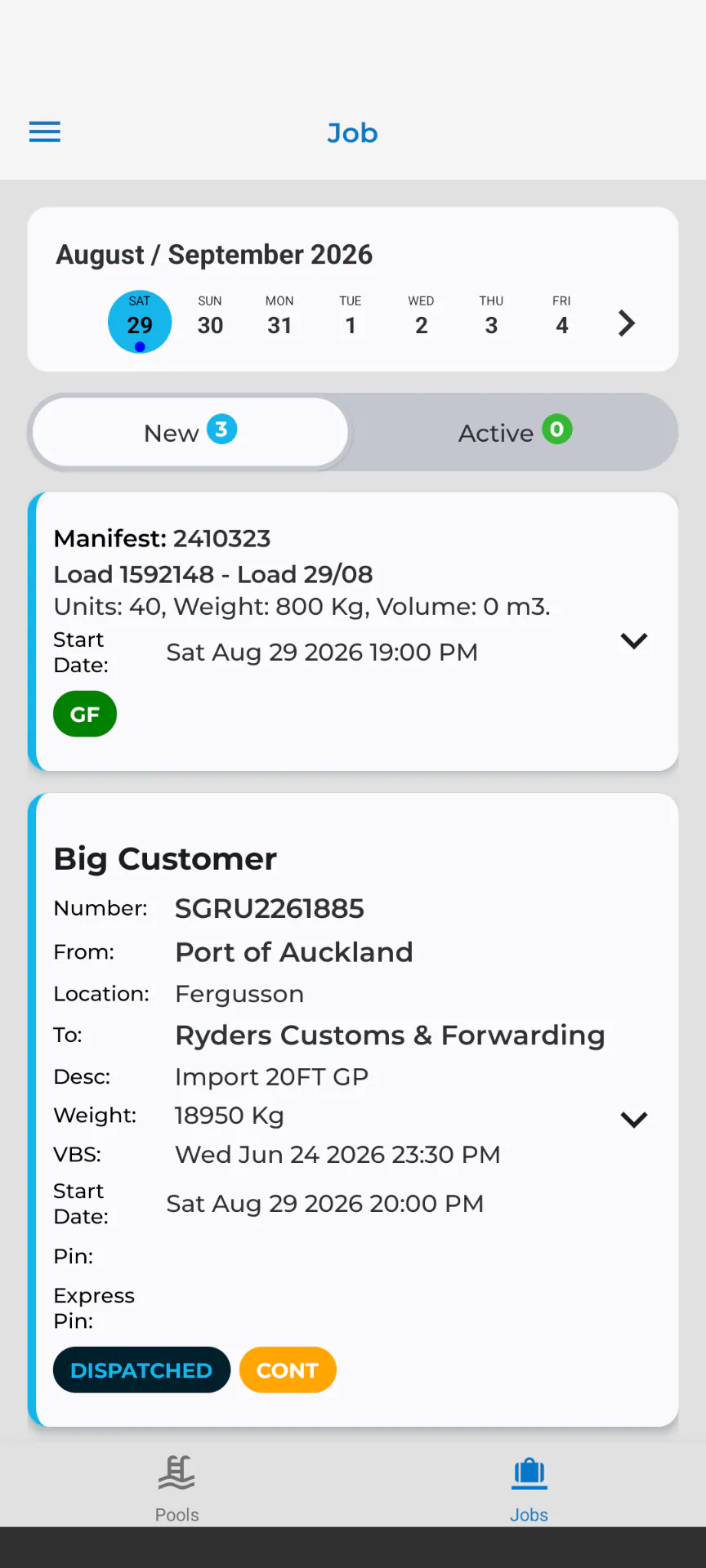
Drivers open the app and see their assigned jobs in order, with delivery instructions, load detail, and any job-specific notes attached — no separate paper run sheet to carry.
- Stop-by-stop job order for the day
- Delivery instructions and notes visible on each job
Status updates
Status updates from the truck, not the depot
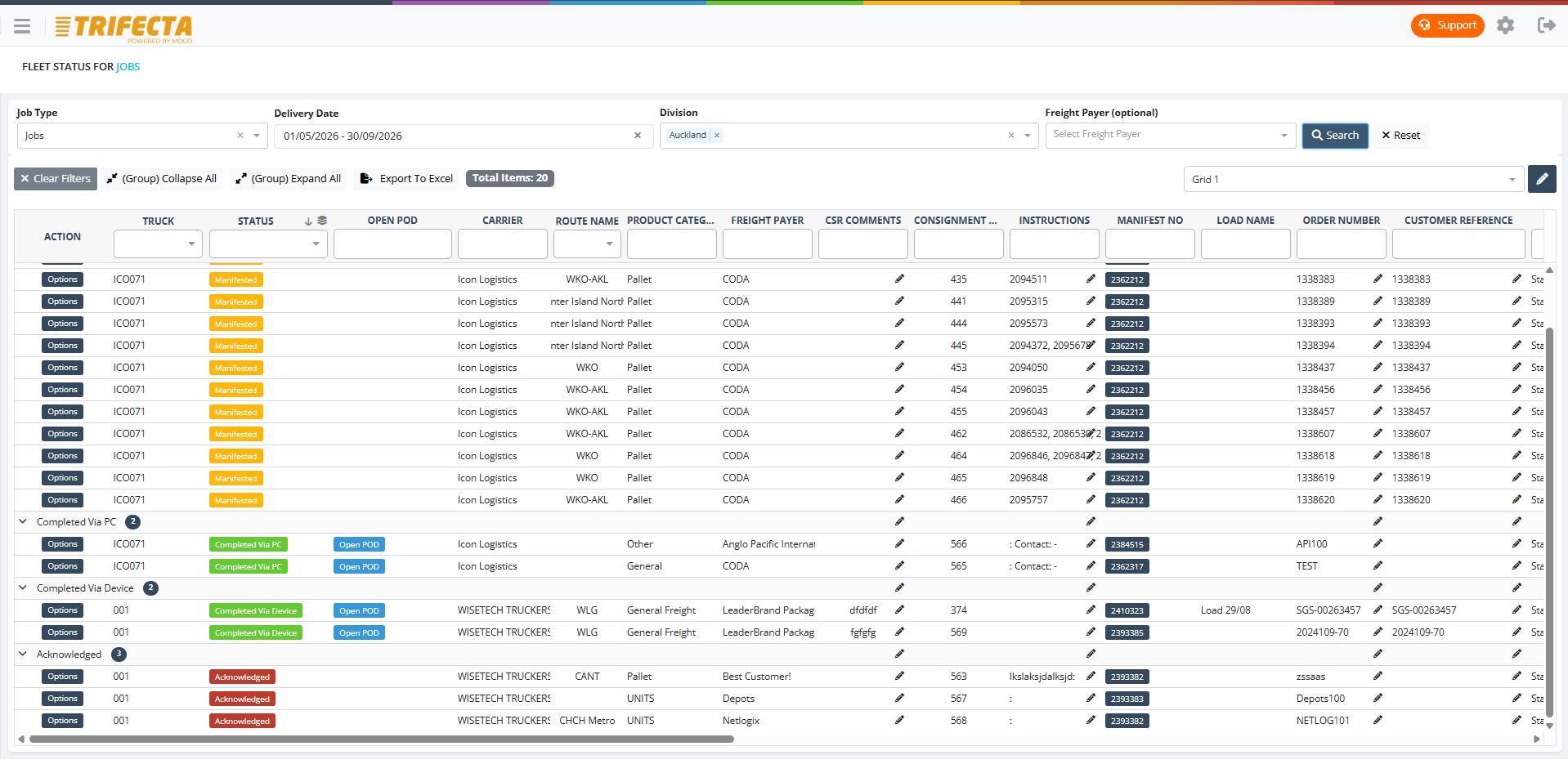
Drivers update job status as they progress — arrived, loading, delivered — and it lands on the job immediately, visible to dispatch and, where enabled, the customer portal.
- Status updates sync to the job as they're entered
- Visible to dispatch and the customer portal in real time
Navigation
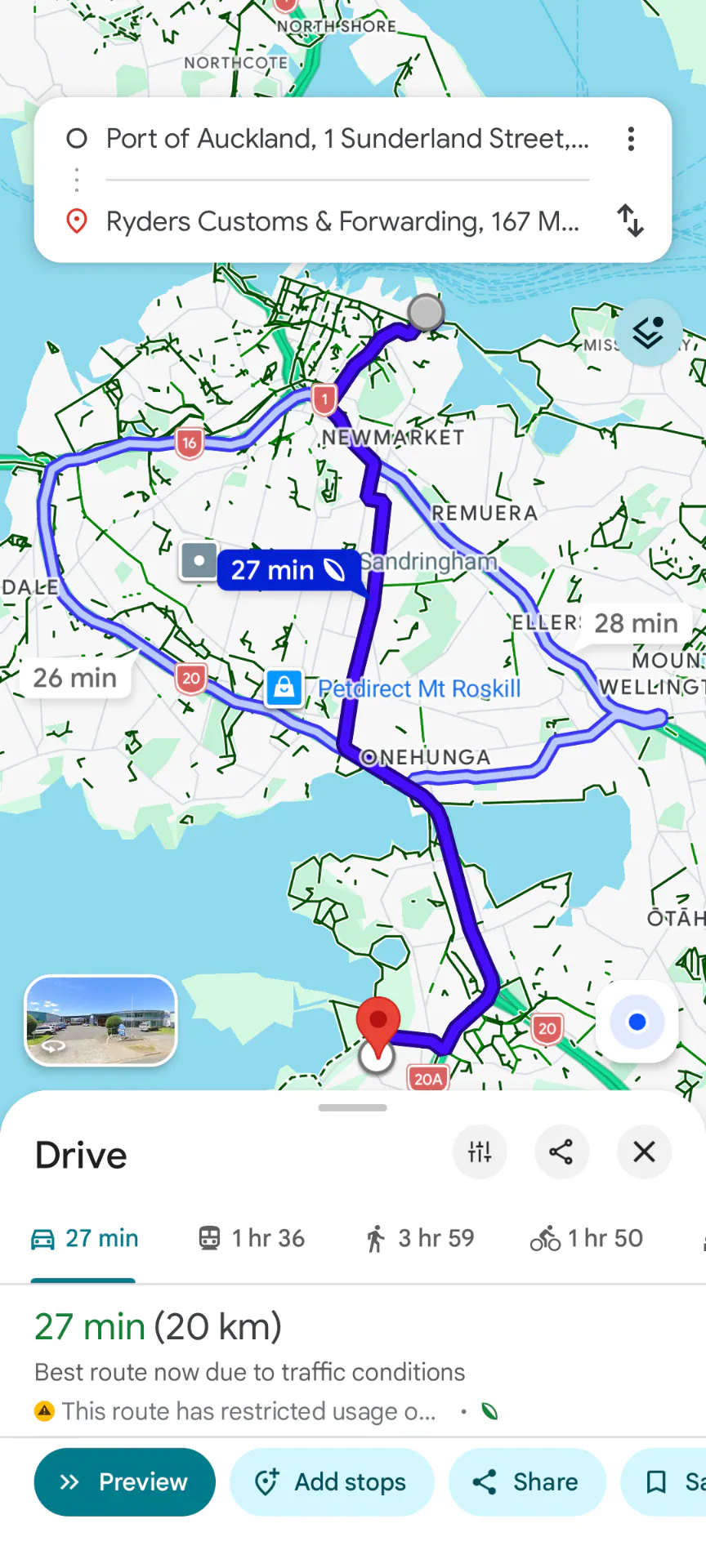
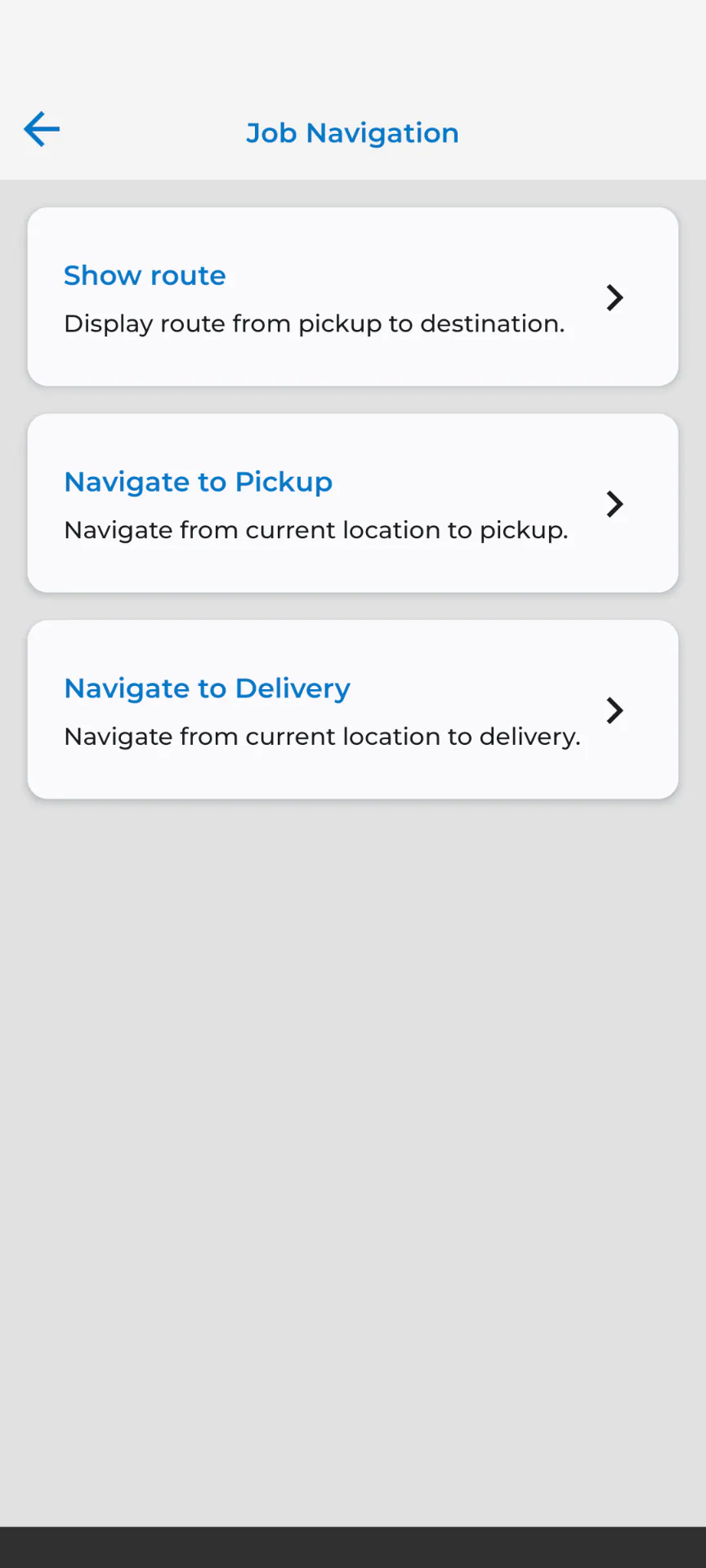
Navigation to the next stop
Drivers get directions to each delivery point from within the same app they're using for their job list, without switching to a separate navigation tool.
Proof of delivery
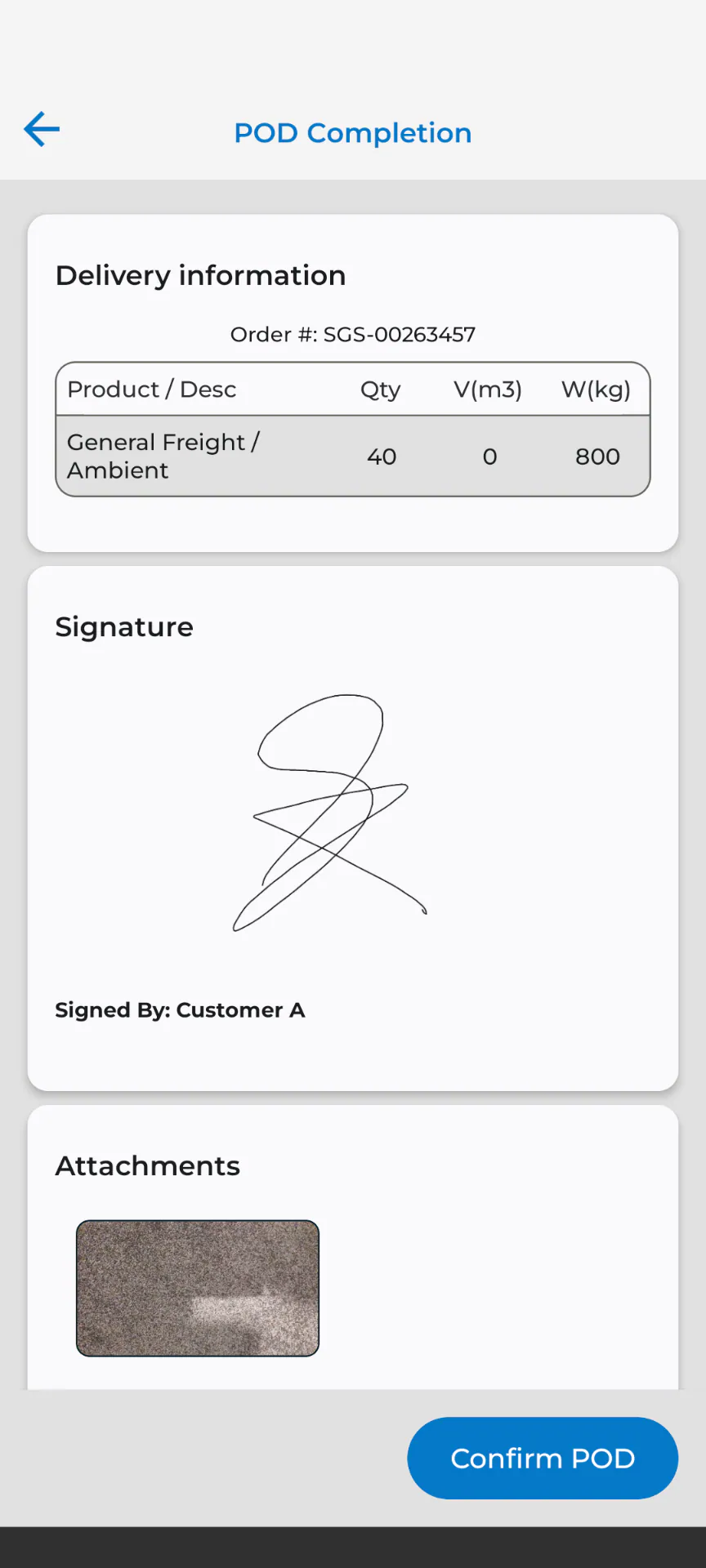
POD captured at the point of delivery
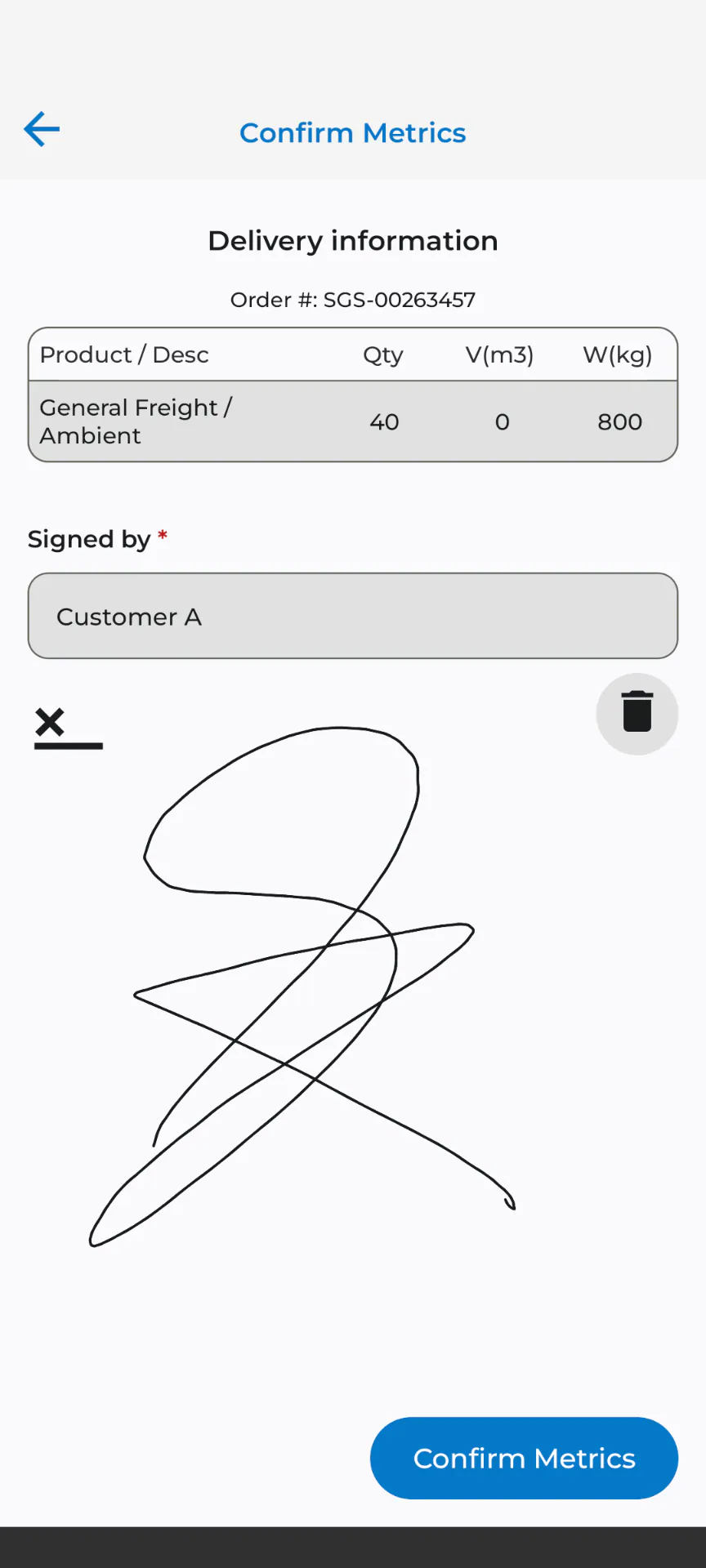
Photos, signatures, and delivery notes are captured on the spot and attach to the job automatically, ready for the office and the customer without being emailed or handed over later.
- Photos and signatures attached to the job on capture
- Notes recorded against exceptions or delivery issues
- Exact location of the POD captured and shown on the job
Temperature capture
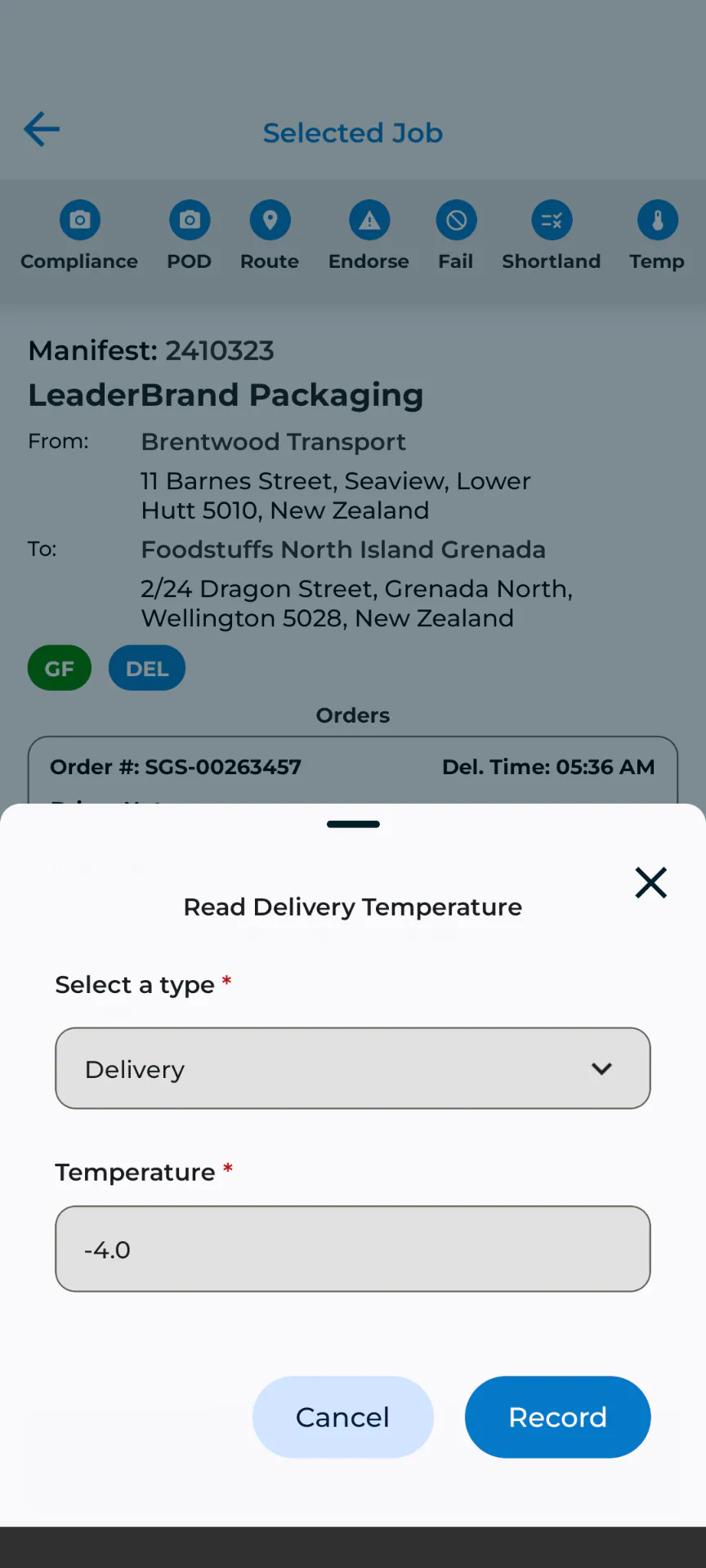
Temperature recorded where it matters
For temperature-sensitive freight, drivers capture readings at pickup and delivery as part of the job record, rather than on a separate log that has to be matched up later.
Compliance
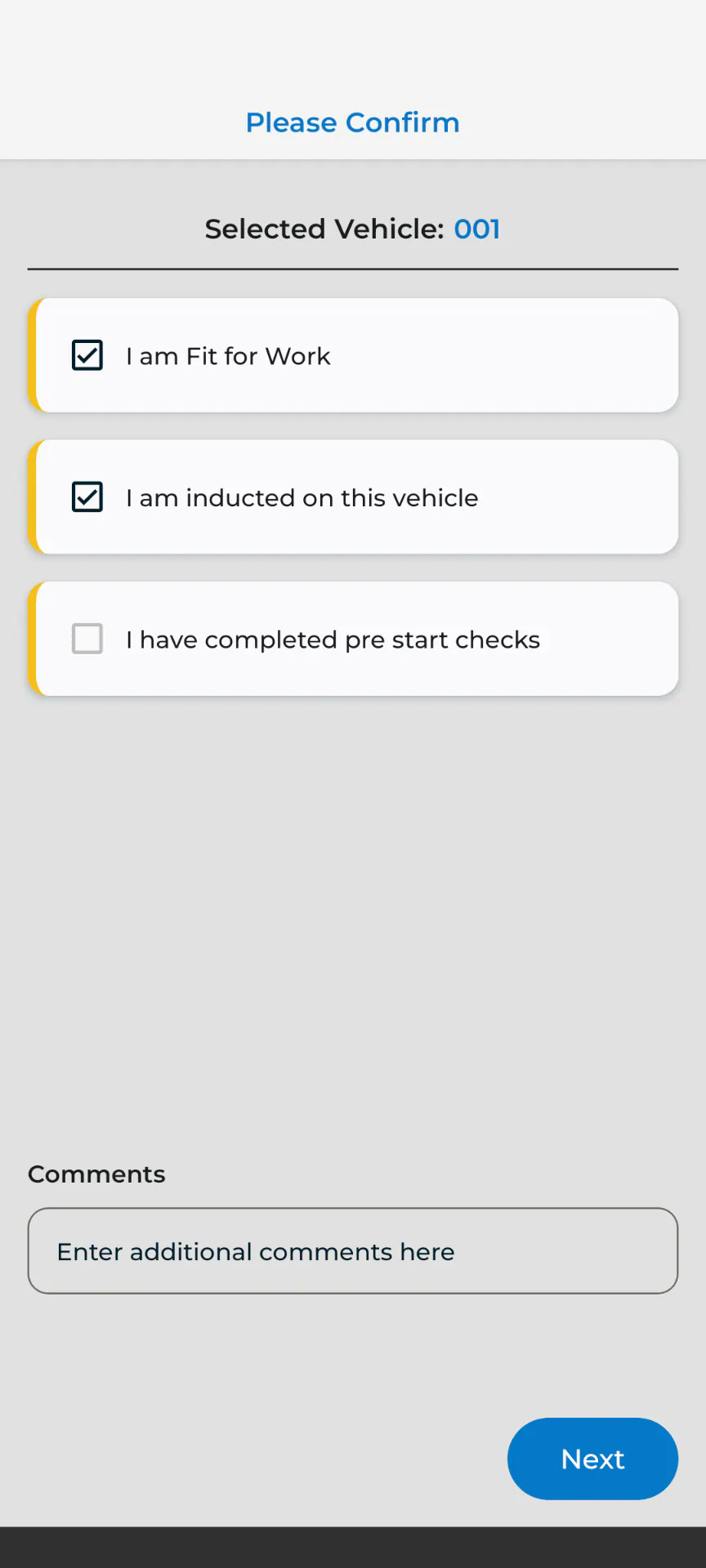
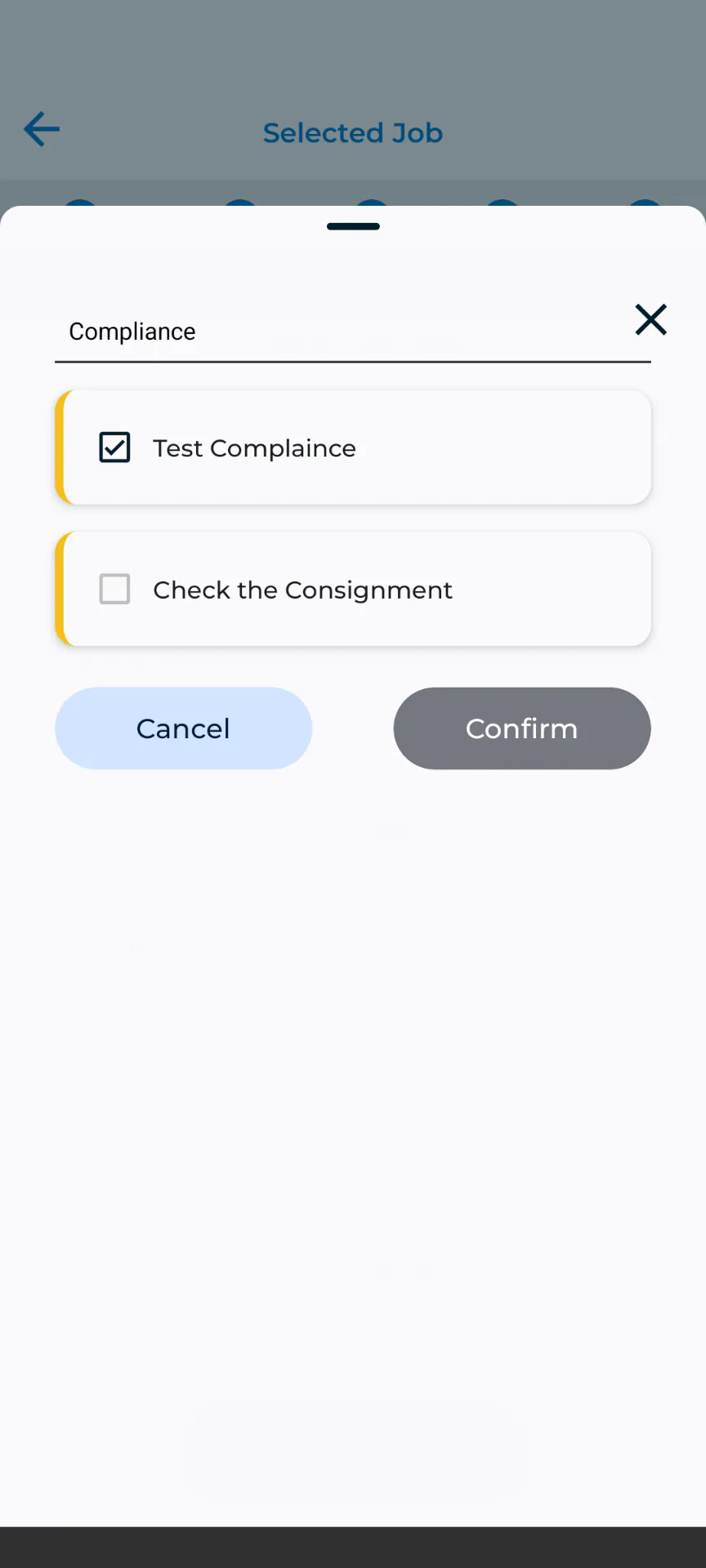
Compliance checks built into the run
Pre-start checks and compliance prompts sit alongside the driver's job list, so they're part of the normal flow of the day instead of a paper form kept separately.
Subcontractor workflows
Subcontractors on the app — if you want them there
It's your call whether subcontracted drivers use the mobile app. Where you switch it on, status updates and POD flow back the same way as your own fleet — keeping billing and customer visibility consistent either way.
Common questions
Do subcontractor drivers use the same app as employed drivers?
It's up to you. You can choose whether subcontracted drivers use the mobile app — where they do, job status and proof of delivery flow back into the system the same way as for employed drivers.
What does proof of delivery capture?
Photos, signatures, delivery notes, and the exact location the POD was captured at are recorded at the point of delivery and attach directly to the job, available immediately to dispatch and the customer portal.
Can drivers capture temperature readings for cold chain freight?
Yes. Temperature can be captured at pickup and delivery as part of the job record for temperature-sensitive freight.
Does the driver app need a data connection?
No — the app has offline mode, so drivers can keep working their run with no connection. Status updates, photos, and signatures sync to the job as soon as a connection is available, giving dispatch and customers a current view of the run.
Works together with
General Freight
Run multi-drop general freight with connected job entry, scheduling, driver communication, proof of delivery, and billing-ready job data.
Learn moreBilling & Rating
Turn completed freight jobs into billable revenue with automatic rating, surcharges, subcontractor payment, invoice preparation and a full audit trail.
Learn moreSee driver mobility in TRIFECTA.
Walk through your own workflows with our team using realistic demo data.