Customers book and track without calling you
Give customers a portal to create jobs, watch status, and pull their own documents — configured to what each account is allowed to see and do.
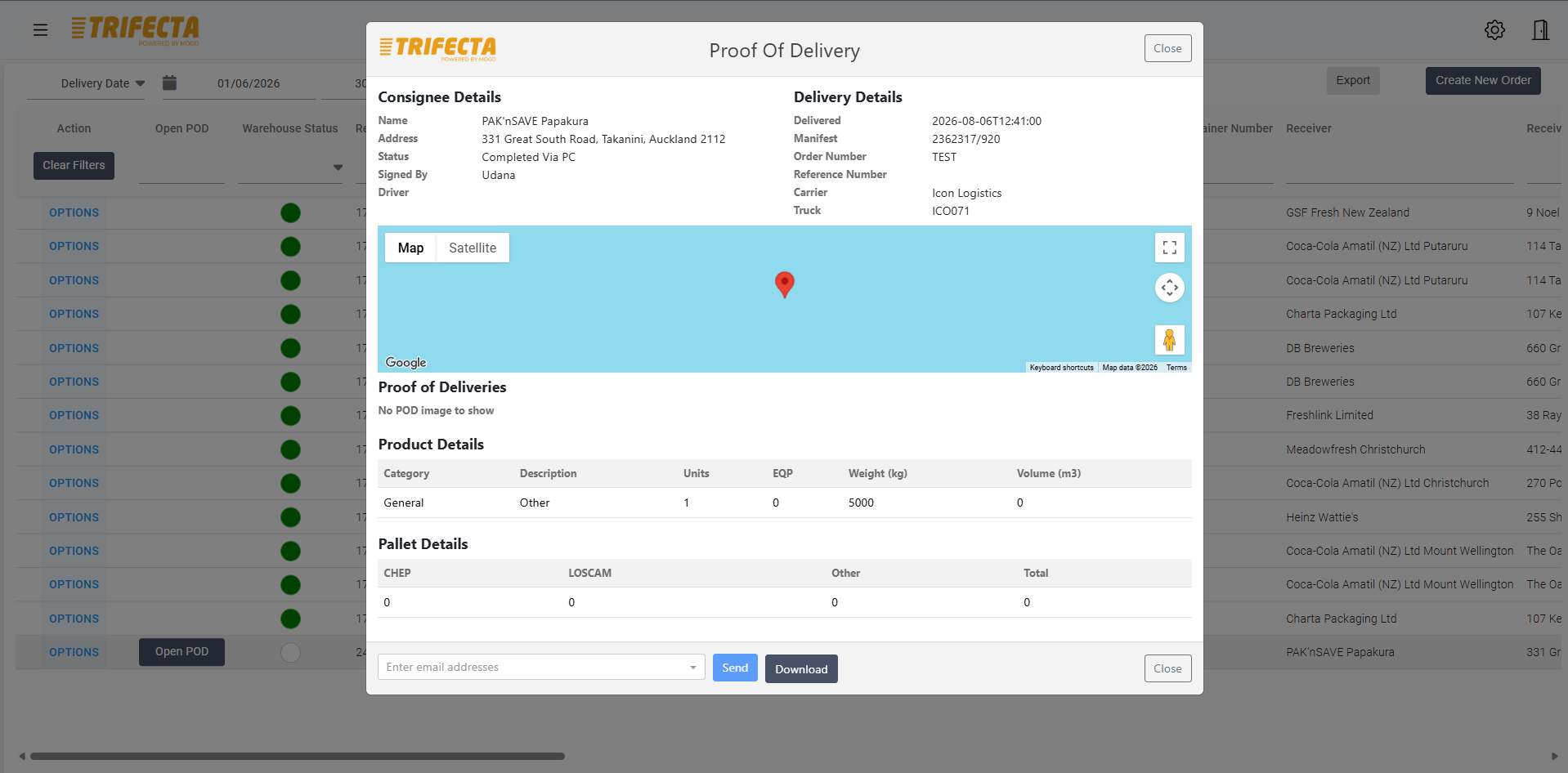
Job creation
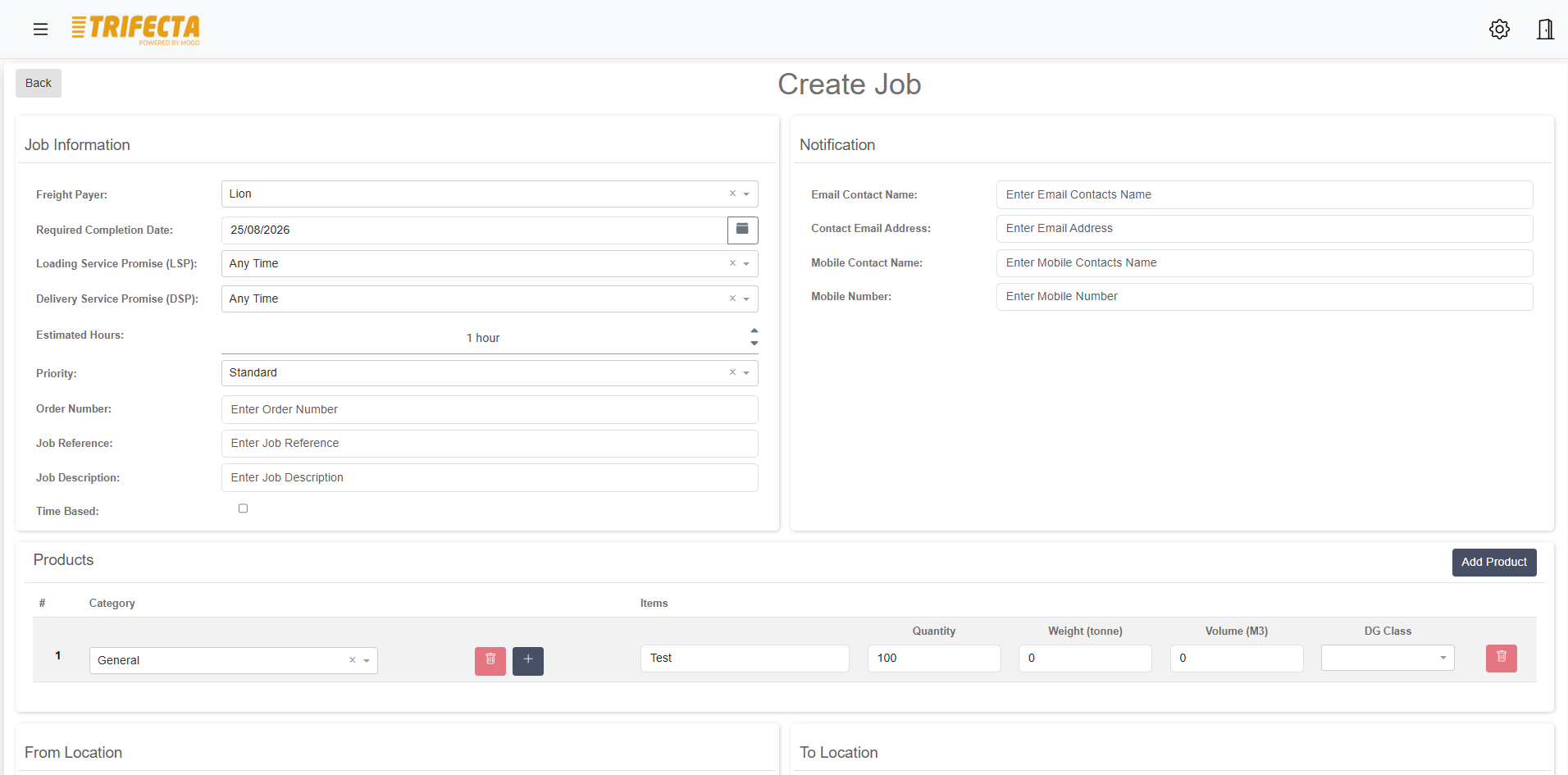
Customers create their own bookings
Customers enter jobs directly against their configured product categories and rates, landing straight in your planning workspace without passing through email or a phone call first.
- Bookings enter planning directly from the portal
- No re-keying from email, phone, or spreadsheets
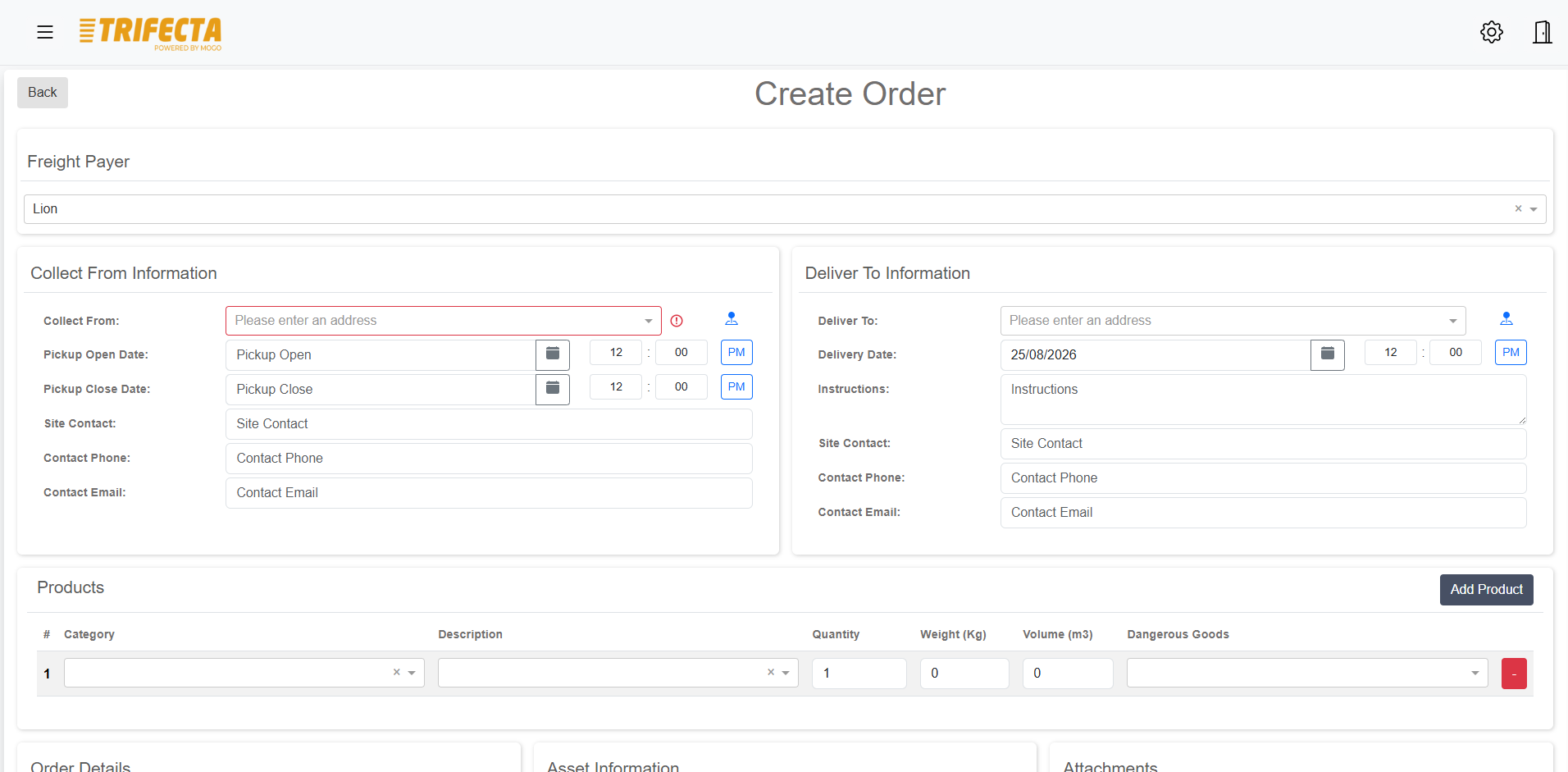
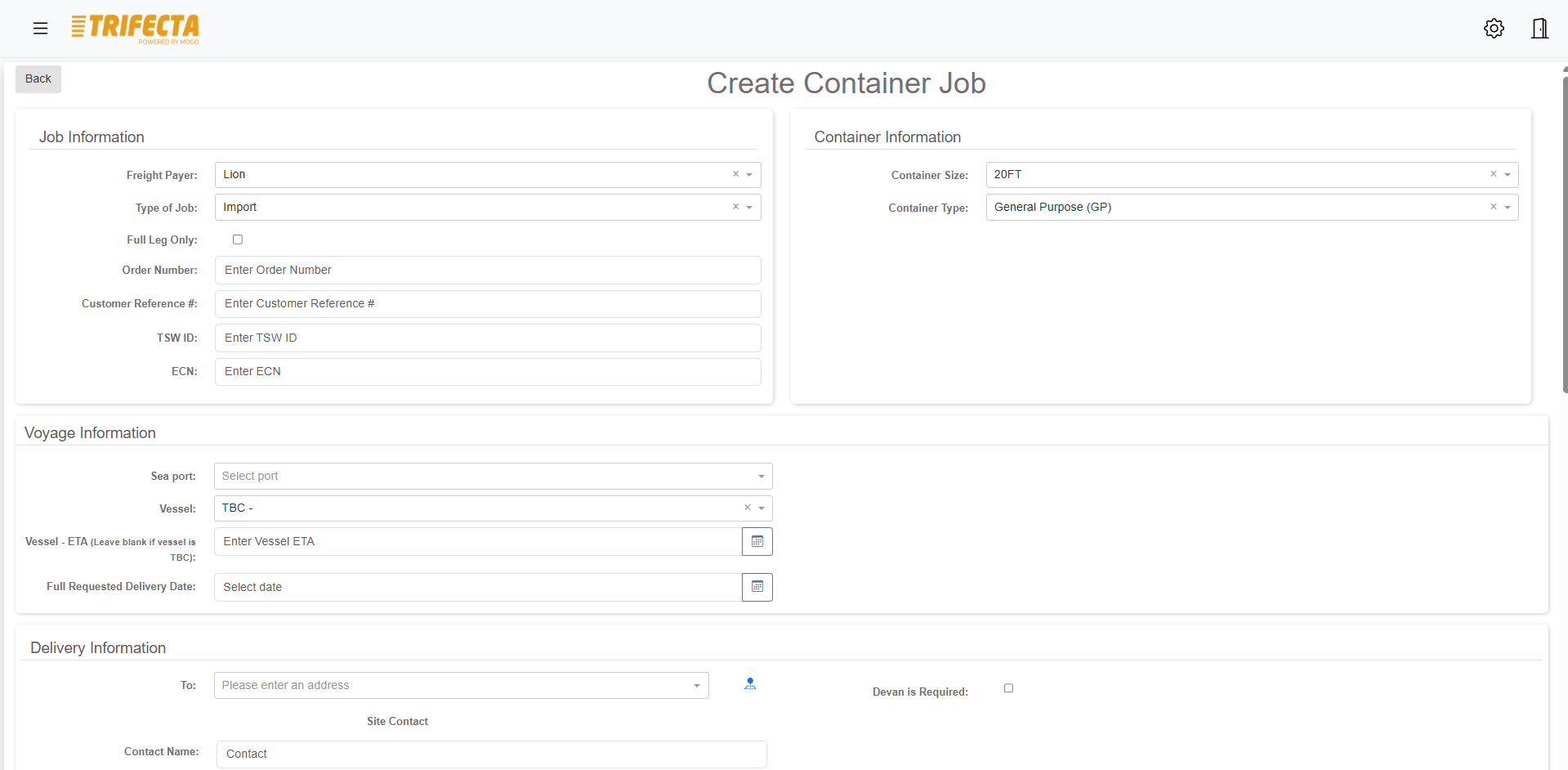
Booking visibility
Booking history, without the phone call
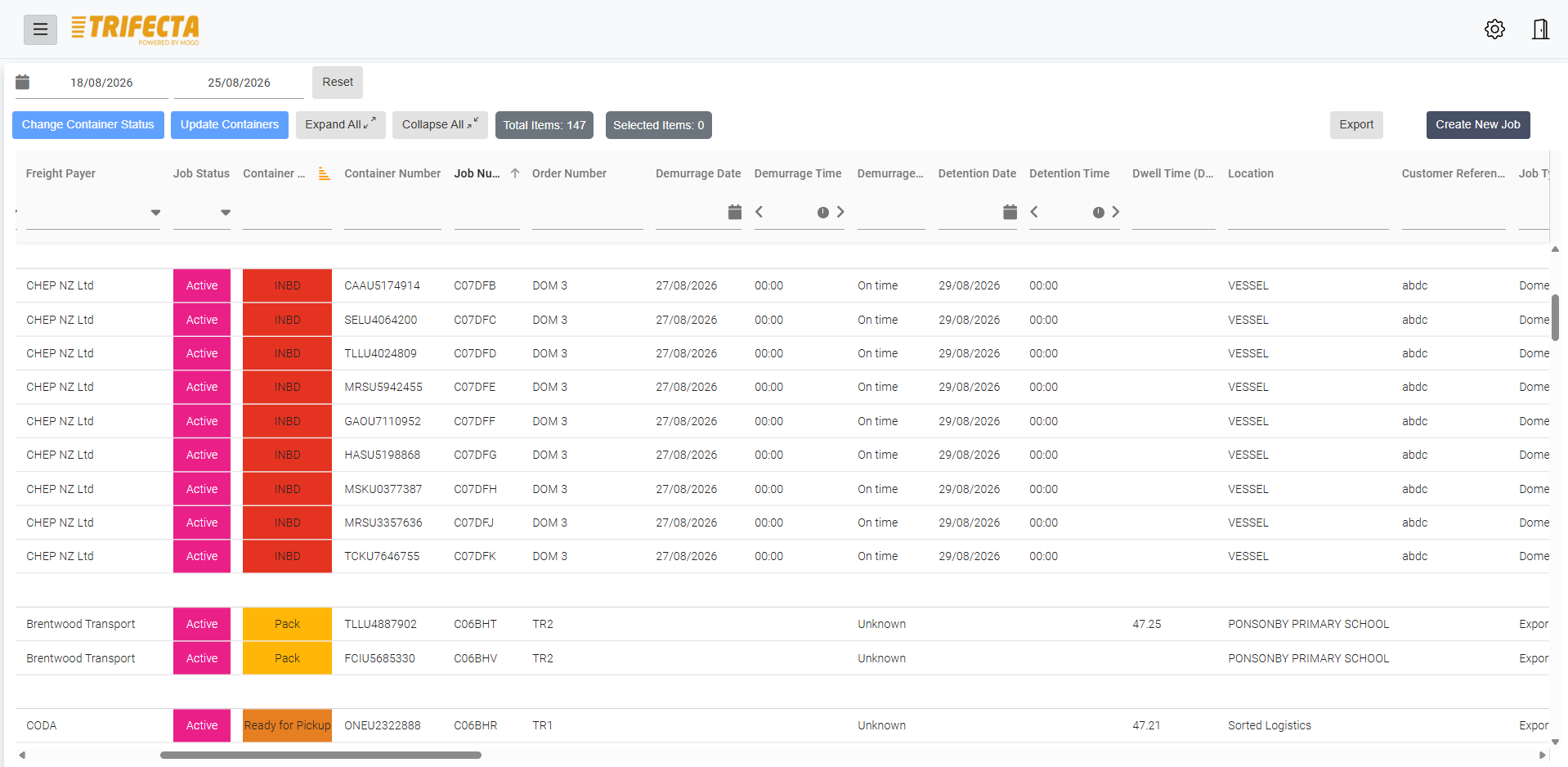
Customers see their booking history and current status whenever they need it, instead of asking your team for an update on a job they placed last week.
Tracking
Live status on every active job
Customers track jobs from booking through to delivery, with status changes reflected as they happen rather than at the end of the day.
Documents and PODs
Documents and POD available on demand
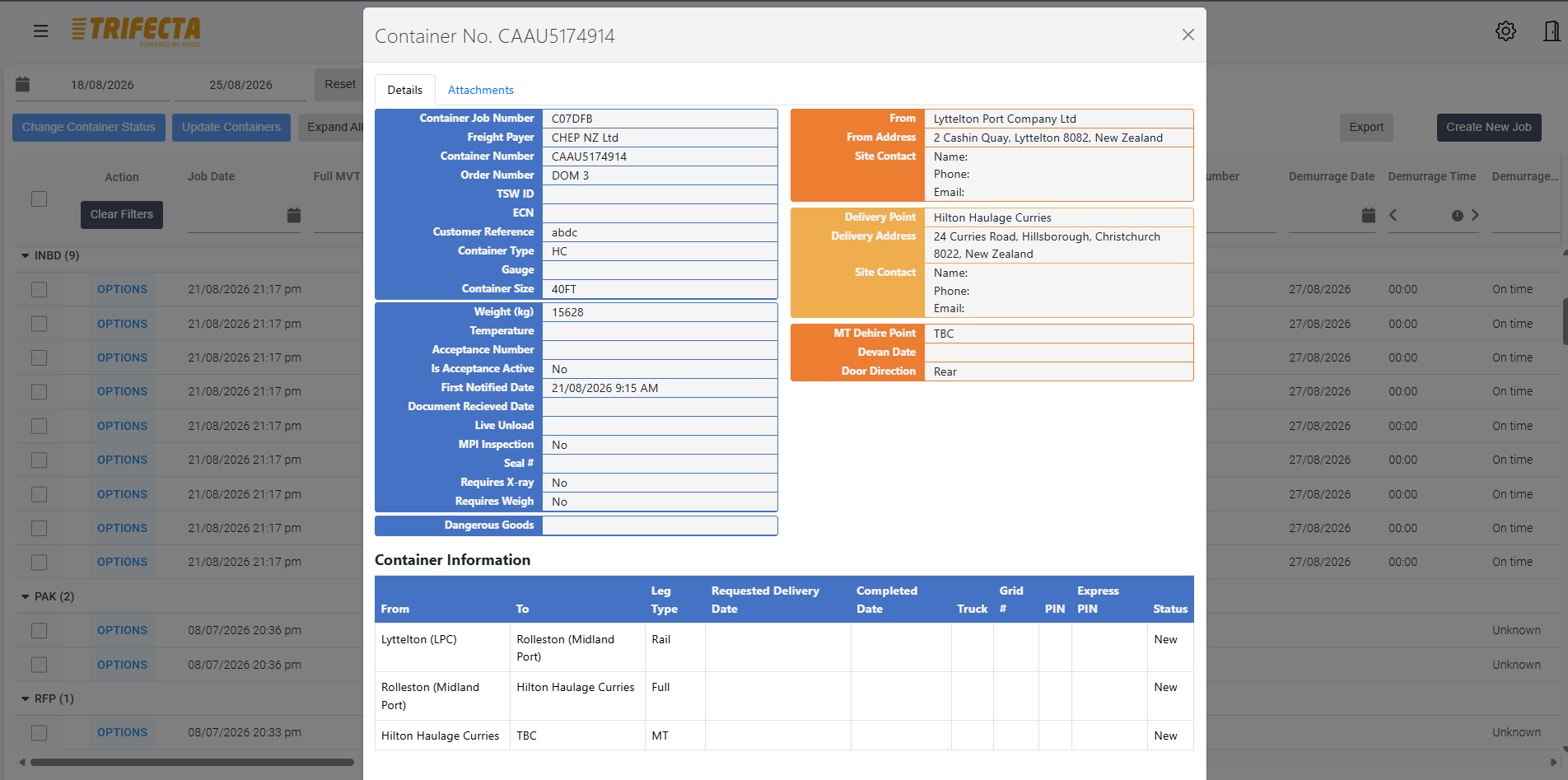
Proof of delivery, photos, and other job documentation appear in the portal as soon as they're captured, so customers aren't waiting on a separate request to your office.
- POD available as soon as it's captured
- Documentation attached directly to the job
Notifications
Status changes without the manual chase
Customers can see status changes as they happen, reducing the number of where's-my-delivery calls landing on your operations team.
Customer-specific access
Each account sees only what it should
Access is configured per customer, and per user within an account, so what's visible in the portal matches the relationship — not a one-size-fits-all view.
- Per-customer access configuration
- Per-user permissions within a customer account
Product category configuration
Set up categories that match how customers book
Configure product categories, rates, and defaults per customer so booking reflects their actual freight rather than a generic form that has to be corrected after the fact.
Common questions
Can customers create their own bookings through the portal?
Yes. Customers book against their own configured product categories and rates, and those bookings land directly in your planning workspace.
What can customers see in the portal?
Booking history, live job status, and documents including POD as soon as they're captured — scoped to what's configured for their account.
Can access be different for different customers or users?
Yes. Access is configured per customer and per user within an account, so visibility matches each relationship rather than being the same for everyone.
Works together with
General Freight
Run multi-drop general freight with connected job entry, scheduling, driver communication, proof of delivery, and billing-ready job data.
Learn moreBilling & Rating
Turn completed freight jobs into billable revenue with automatic rating, surcharges, subcontractor payment, invoice preparation and a full audit trail.
Learn moreDriver Mobility
Give drivers a mobile job list with navigation, status updates, proof of delivery, photos, signatures and compliance checks connected to the office.
Learn moreSee customer portal in TRIFECTA.
Walk through your own workflows with our team using realistic demo data.